
How To Know If Your Phone Is Being Tracked: Full Guide
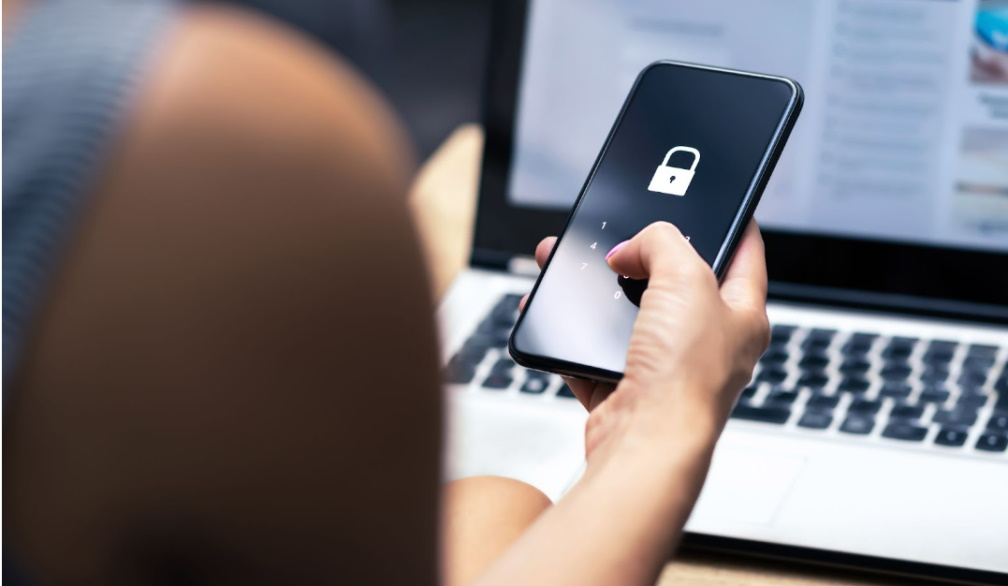
Suppose one day you are in a meeting and suddenly your phone starts ringing. You are not expecting any calls, so you ignore them. However, the caller leaves a voice mail, and you check it out. The voice message is empty, and you wonder why someone would leave such a message. The person could have done this to play a prank on you. Or not?
It's not always easy to know if someone is tracking your phone, but some ways can help us figure out if our phones are being tracked without us knowing about it.
This article will discuss how to detect if someone tracks your gadget. Of course, you can use your phone settings to see if someone can spy on you, but there are many more effective methods that people have developed over the years.
Why Is Gps Tracking of Your Cell Phone Dangerous?
GPS tracking your cell phone is dangerous because it can give someone else a real-time view of your whereabouts. This means that if you are being tracked, the person doing the tracking can see precisely where you are at any given moment. Third parties may use this information to stalk or kidnap you, or even worse.
Cheating partners use GPS tracking to keep tabs on their significant others, leading to constant paranoia and anxiety. Even your ex-partner could be tracking you, which is a severe violation of your privacy.
If you think you might be being tracked, it's essential to take steps to prevent it, such as keeping your phone with you and being aware of your surroundings. GPS tracking can be a helpful tool in some cases, but it also has the potential to do a lot of harm.
Third parties may use this information to stalk or kidnap you, or even worse. Mobile phone tracking has become a favourite for controlling ex-partners and is becoming a constant headache for divorce lawyers.
What Are The Signs That Someone Is Tracking My Phone?
The following steps are some of the ways by which you can find out if your phone is being tracked:
Check For Unusual Battery Drain
We should check for unusual battery drain to determine if there is a problem. For example, if we notice any of the following, it could signify an issue.
- * Sudden and extreme battery drain
- * Battery draining without being used
- * Battery draining when it is not plugged in
- * The phone is getting hot while charging
If someone tracks your gadget, you could notice these signs. You can also use an app like Power Battery to determine if your battery is draining too quickly.
If something shows up in the Android Device Manager, you should check which apps use the most battery and then uninstall them.
Check For Unusual Data Usage On Your Phone
Extraordinary data usage is another way to know if your phone is being tracked. For example, suppose you see that your data consumption has spiked for no apparent reason. In that case, it's possible that your phone is being monitored.
If you're on a limited data plan, this could result in some hefty overage charges.
To check your data usage, go to Settings -> Wireless & Networks -> Data Usage -> select the period you need.
This will show you a list of all the apps that have used data during that time. If you see an app that you don't recognize or haven't used recently, it's possible that it's being used to track your phone.
Check For Unfamiliar Apps On Your Phone
Checking for unfamiliar apps on your phone can be a great way to protect yourself from hackers.
To do this, you should open your smartphone’s settings and tap on "General."
Scroll down to the bottom and tap on "Device Management."
This will show you all of the apps that access your data. If there is an app that you don't recognize, it could be a potential security threat.
Check For Unfamiliar Contacts In Your Phone’s Contact List
There are many ways to check if your phone is being tracked. One of them is checking for unfamiliar contacts in your gadget's contact list. If you find any, someone has been using your phone and added these contacts without your permission.
If you find new contacts in the contact list, it doesn't mean that someone has been spying on you or accessing your data without permission. However, if you find some contacts added or deleted from the contact list, someone might be snooping on you.
To find out who is spying on your phone, install an app like Signal or Wickr and compare the people in your contact list with those accessing your smartphone. If you found some new contacts on your gadget, remember to delete those people!
Check For a Sim Card That Has Been Replaced
A SIM card is a small card that stores your mobile phone number and other information. It is usually inserted into a slot located on the side of your mobile phone. When you insert it, your phone will connect to the network automatically.
If you are looking for a SIM card that has been replaced, you can check the IMEI number.
IMEI stands for International Mobile Station Equipment Identity. It is a unique serial number used to identify and keep track of mobile devices. This is usually found on the back of the phone or the packaging of your new phone.
You can check this number by dialing *#06# on your phone or going to Settings -> About Phone -> Status -> IMEI Number.
How Can I Prevent Someone from Tracking my Cellphone?
This is a question that many people have, but the answer is not as straightforward as it would seem. For example, if you want to prevent someone from tracking your cellphone, you need to know how your phone connects to the network and what type of data it transmits.
Cellphone tracking can be done in two ways: triangulation and GPS. Triangulation is when a cellphone company uses the location of nearby cell towers to calculate where a user might be located.
GPS allows for more accurate tracking because it pinpoints an exact location with satellite data.
The first step in preventing someone from tracking your phone is to ensure that your device has good signal strength and a strong Wi-Fi connection to transmit its position accurately.
Then, suppose you want to disable cellular data on your smartphone. In that case, you can do the following: go to settings and turn cellular data off.
An option in settings on newer Android phones allows turning off mobile data.
On iPhones, go to Settings -> Cellular Data -> Off.
Turning off mobile data will effectively disable the GPS tracking capabilities of your phone, and Wi-Fi will be the only available data link. If your device is already in the tracking radius, it will continue to operate like normal.
Conclusion
If you are worried that your phone is being tracked, you can do a few things to find out for sure. You can either check for unusual behavior or use a dedicated tracking app to see if your gadget is being tracked.
By doing some research and taking some precautions, you can put your mind at ease and know that your phone is safe from prying eyes. Thanks for reading!