

Wi-Fi Extenders vs. Mesh Systems: Which Works Best for Double-Brick Melbourne Homes?
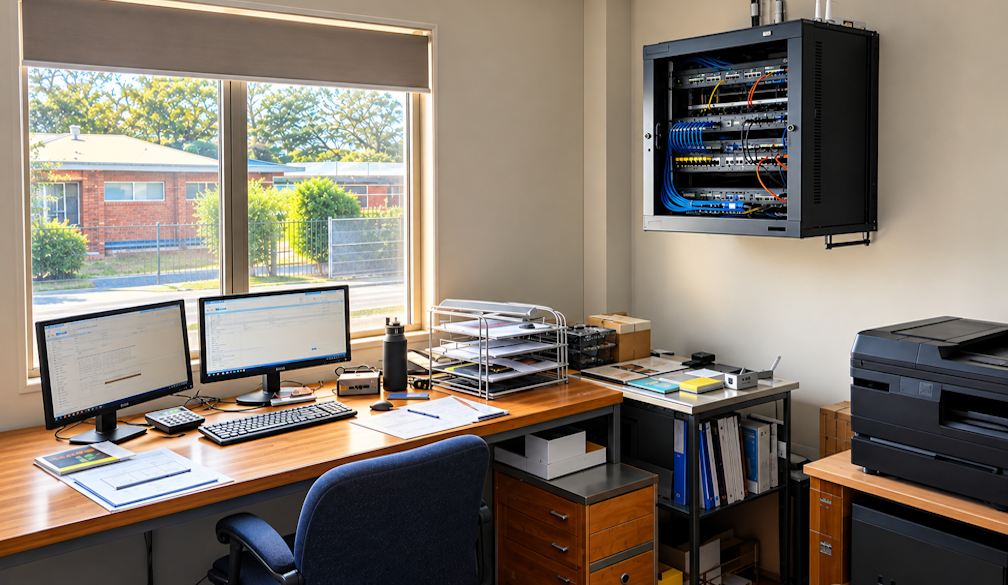
Wi-Fi in your lounge is fine but walk down the hall to the back office and your video call freezes mid-sentence.
Those in an older double-brick home should look no deeper than the walls, as a faster Internet plan won’t fix the problem. Double brick does a fine job of keeping a house cool and quiet through a Melbourne summer, but it’s equally good at blocking out Wi-Fi signals.
Most people trying to fix this end up choosing between a Wi-Fi extender or a mesh system.
Here's how each option works on brick walls and which one makes more sense.
Why are Double-brick Walls Blocking your Wi-Fi?
Wi-Fi is a radio wave. Heavy, dense materials suck it up fast, but it barely affects plasterboard and timber.
In a double-brick wall there are two full layers of brick with an air cavity in between. The signal has to travel through brick, air, then brick again to reach your device. Any internal wall after that degrades the signal further.
Modems also broadcast Wi-Fi on two different frequency bands.
- 2.4 GHz: This frequency sends data over longer distances and easily goes through solid objects like walls and floors, but at slower speeds than the 5 GHz or 6 GHz bands.
- 5 GHz: Offers faster data speeds and less network congestion compared to older bands. It doesn't have the physical range of 2.4GHz. This frequency is great for Wi-Fi if you want fast speeds and are close to your router.
This is why your phone can show a couple of signal bars in a back bedroom while web pages still fail to load.
Many homes in Brighton, Sandringham, Hampton, Mornington and Mount Martha are built of double-brick construction. Add a rendered extension, a concrete slab between floors or a modem hidden away in a hallway cupboard and you’re guaranteed dead zones.
How Wi-Fi Extenders Work
An extender is a compact device that plugs into a wall outlet. It picks up your modem's existing Wi-Fi signal and rebroadcasts it further into the home. Most units cost under $100 and take only a few minutes to set up, which can be enough to cover a single problem room.
However, placement is a major drawback. An extender can only repeat the signal strength it receives. Plug it into a room with poor reception, and it simply broadcasts poor reception. Place it halfway, and in a double-brick home, there is usually a solid wall sitting right where the extender needs to go.
Speed reduction is another issue. Most extenders use the same radio to receive and re-transmit data, cutting bandwidth in half for connected devices. They often create a secondary network name (such as "Home_EXT"), forcing your phone to cling to a weak signal as you move around the house rather than switching automatically.
Adding a second or third extender to boost the first one only worsens network congestion.
How Mesh Systems Work
A mesh system uses two or three matched units (called nodes) placed throughout the home. They operate under a single network name, allowing phones and laptops to switch seamlessly to the nearest node as you walk from room to room.
Higher-end mesh systems reserve a dedicated wireless channel specifically for communication between nodes, avoiding the speed loss typical of standard extenders.
In a double-brick house, the primary bottleneck remains the connection between the nodes themselves. If they communicate wirelessly, that signal still has to push through solid brick. While mesh manages this environment better than an extender, dense walls still degrade performance.
The most effective solution is connecting the nodes using an Ethernet cable, often called a wired backhaul. This allows the nodes to communicate through a physical line rather than through brick, delivering near-full internet speeds to every room.
If running cables isn't feasible, powerline adapters can route the network connection through your home's existing electrical wiring, though performance depends heavily on the age and layout of the wiring.
Extenders vs. Mesh Systems at a Glance
|
Feature |
Wi-Fi Extender |
Mesh System |
|
Typical Cost |
Under $100 |
$300 to $800+ (2–3 nodes) |
|
Best Used For |
Single weak room near the modem |
Whole-home coverage, multi-storey, or long floor plans |
|
Network Names |
Often creates a separate network name |
Single network name across the entire house |
|
Roaming |
Devices stick to weaker signals longer |
Devices switch automatically to the closest node |
|
Speed Retention |
Often cuts speed by roughly half |
Preserves higher speeds (best when hardwired) |
|
Performance with Double Brick |
Struggles when solid walls block placement |
Handles brick better, especially with wired links |
|
Setup Process |
Simple plug-and-pair setup |
App-based setup; node placement is critical |
Note: Pricing serves as a general baseline and varies by model.
Wi-Fi Support for Small businesses in Brick Buildings
Many small businesses across Bayside and the Peninsula operate out of brick properties, whether that is a home office in Beaumaris or a physio clinic in an old Mornington shopfront.
For a business, a dropped Wi-Fi connection causes real friction. An EFTPOS terminal fails to process transactions, or a VoIP phone system cuts off mid-call with a client.
Business Wi-Fi setups require a different approach focused on high-priority areas. Signal strength in a staff breakroom is far less important than coverage at the main counter or treatment rooms.
The most reliable result is achieved by running network cables directly to ceiling-mounted Access Points (APs) in commercial brick buildings. Each unit is individually hard wired to provide consistent room by room coverage.This setup also allows for an isolated guest network to separate customer devices from internal computers and payment terminals.
The integrated network structure makes maintenance much easier.If your modem, Wi-Fi points, shared storage and printers are all from one provider, that provider understands how they work together, which can help speed up troubleshooting when a computer disconnects or a printer drops offline.
Most small workplaces do not require a full-time internal IT department for Wi-Fi tech support, just a reliable IT technician at your workplace who understands the layout, responds quickly, and resolves network issues on-site.
Choosing the Right Option
For most double-brick homes, a mesh system paired with wired connections between nodes yields the best long-term result. Extenders remain useful, but only in specific, limited scenarios.
- Use an extender if you need to boost signal to a single room directly adjacent to the modem.
- Use a mesh system for multiple dead zones, multi-storey layouts, or long single-level homes.
- If you’re a remote employee who needs daily video calls, install a mesh node directly in your workspace using an Ethernet cable.
- For shops, clinics or offices, use hardwired access points with a dedicated guest network.
Consider the physical placement of your modem before buying hardware. Putting your modem in a metal cabinet, garage or some remote corner of your building creates unnecessary signal barriers. Coverage problems can often be solved simply by moving the modem or running one line without the need to buy more equipment.