


How to care for your sore hands and wrists when your life is online
- Written by: Dave Parsons, Lecturer, Curtin University

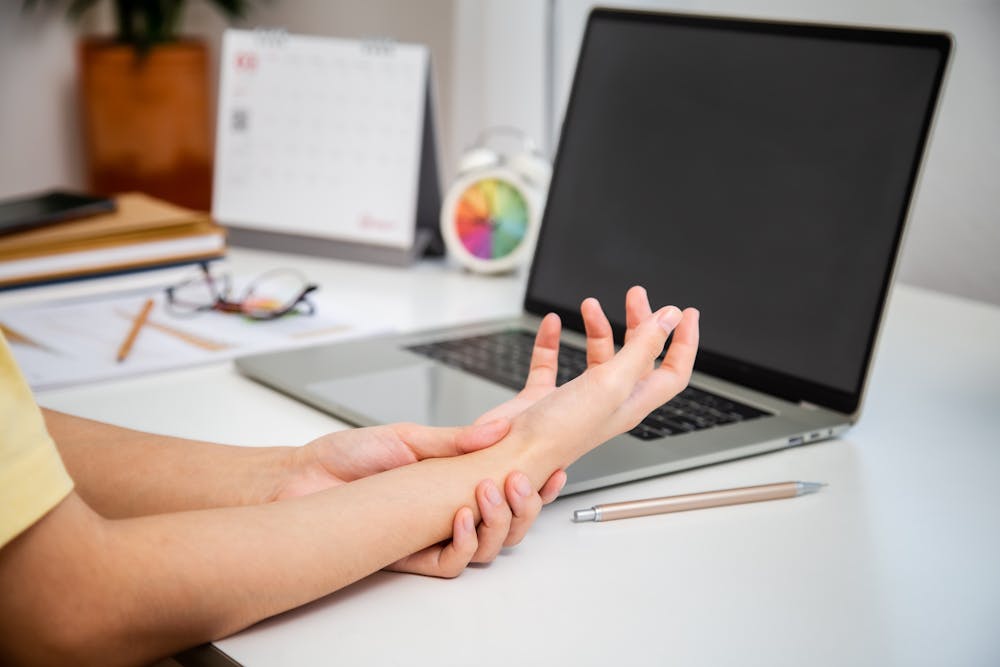
We are back to pounding keyboards and swiping phones for another year. But with so much of today’s learning, working and socialising happening via devices, hand and wrist injuries are both common and hard to recover from.
Cumulative trauma to the upper limb from prolonged computer use is a significant problem. Technological advances – online meetings anyone? – and the reduced need to leave our desks for inefficient tasks such as photocopying, sending and receiving mail, and chatting with work colleagues (if now working from home) are causing people to remain in static postures for longer periods.
Musculoskeletal disorders of the upper limb are a common phenomenon[1] and are the single largest category of work-related illness, with some studies reporting they make up to 20–60% of cases[2]. Musculoskeletal disorders are responsible for more work-related absenteeism[3] than any other type of disease.
Further, evidence suggests high levels of smartphone use[4] without regular breaks can result in pain and discomfort in the upper limb. High levels of device use can result in neck[5], shoulder[6], wrist and hand problems[7].
But anyone who has suffered from hand or wrist pain will tell you how hard it is to rest and treat injuries when so much of everyday life – from domestic chores to technology use – is done manually. So what to do?
What causes it
The risk of these injuries from technology use is due to the repetitive motions of the thumb in often awkward, static (or still) postures of the wrist and hand. The main other factor in developing symptoms includes remaining in awkward static postures for extended periods of time.
Common upper limb disorders resulting from high levels of keyboard, tablet and smartphone use[8] are nerve compression disorders (carpal tunnel syndrome[9]) and tendon inflammation (tenosynovitis[10], lateral epicondylalgia[11] or “tennis elbow”). Symptoms from these conditions include numbness and tingling in your hand and forearm, weakness in gripping objects in your hand, or local tenderness at the elbow, wrist and/or hand.
When structures of the hand are repetitively stressed for extended periods, the body doesn’t have a chance to rest and heal. What starts out as a minor irritation can soon exacerbate into a significant problem for everyday living.
Read more: What younger people can learn from older people about using technology[13]
How to prevent it
The single best piece of advice I can provide is to ensure you have adequate breaks away from your smartphone, tablet or computer. Listen to your body, and ensure you change postures or stop the task if you begin to feel some pain or discomfort.
Microbreaks[14] – as short as 30–60 seconds – can be effective, especially in jobs that require an extended period of sitting in front of a computer hammering away at a keyboard. Remember, it is the repetitive movements in static postures that you are trying to avoid. These microbreaks are especially important for prolonged smartphone or tablet use.
These breaks should occur every 20 minutes and involve changing the posture through some dynamic movements. This could include standing (if you were sitting), moving your joints through their full range of motion, or even better, getting away from your workstation and moving around.
Build these breaks into your work routine through calendar invites or other software programs that ping you an alert at the desired break time.
Alternatively, schedule tasks close together that requires different postures. For example, you could schedule important phone calls or face meetings between more extended periods of keyboard work.
Good postures and workstation ergonomics can make a real difference[15] in reducing and managing these aches and pains. Ensure your computer is well set up on a desk set at the appropriate height.
Your wrists should be slightly extended backwards (towards the ceiling) when resting on the keyboard. All other equipment on your desk that you commonly use should be within easy reach.
You should have a relaxed posture through your shoulders, neck and arms when sitting for extended periods. Specialised ergonomic equipment[16] such as keyboards and mice may be beneficial, as may voice-to-text software[17].
Read more: How texting turns you into a walking disaster[18]
When the damage is done
If the pain or discomfort continues to worsen or impacts your engagement in your daily activities, it is important to seek professional health advice before the condition significantly progresses.
An accredited hand therapist is an excellent place to start. These health professionals are registered occupational therapists or physiotherapists who have extensive experience and knowledge of the complex anatomy of the hand and wrist.
They will be able to provide individual advice and treatment to help you manage your condition. Treatments could include tailored ergonomic advice, the prescription of specific exercises, hot or ice packs, and custom orthotic devices (splints). In more serious cases, you may be referred to a hand surgeon, who may provide medication, cortisone injections or surgery to address the underlying causes of symptoms.
Given the rapid changes we’ve seen in our how humans interact with their world, research is helping us better understand how to manage the adverse effects of our exploding technology use. While we know a little, there is still much work to be done[19].
References
- ^ common phenomenon (www.pointsdevue.com)
- ^ 20–60% of cases (www.cochranelibrary.com)
- ^ more work-related absenteeism (www.researchgate.net)
- ^ high levels of smartphone use (link.springer.com)
- ^ neck (archivesphysiotherapy.biomedcentral.com)
- ^ shoulder (www.ncbi.nlm.nih.gov)
- ^ wrist and hand problems (link.springer.com)
- ^ keyboard, tablet and smartphone use (www.ncbi.nlm.nih.gov)
- ^ carpal tunnel syndrome (www.betterhealth.vic.gov.au)
- ^ tenosynovitis (www.webmd.com)
- ^ lateral epicondylalgia (www1.racgp.org.au)
- ^ Shutterstock (www.shutterstock.com)
- ^ What younger people can learn from older people about using technology (theconversation.com)
- ^ Microbreaks (www.uclahealth.org)
- ^ can make a real difference (academic.oup.com)
- ^ ergonomic equipment (www.academia.edu)
- ^ voice-to-text software (www.researchgate.net)
- ^ How texting turns you into a walking disaster (theconversation.com)
- ^ much work to be done (academic.oup.com)