
Where AI Image Tools Save Time in a Real Creative Workflow
AI image tools are easy to judge by the first result they produce. That works for demos, but real creative work usually begins after that point. A campaign image may need a cleaner setting. A product shot may need to sit naturally inside a lifestyle scene. A book cover concept still has to read clearly at thumbnail size and leave room for type.
What matters in practice is whether AI can remove enough tedious steps to make the rest of the job easier.
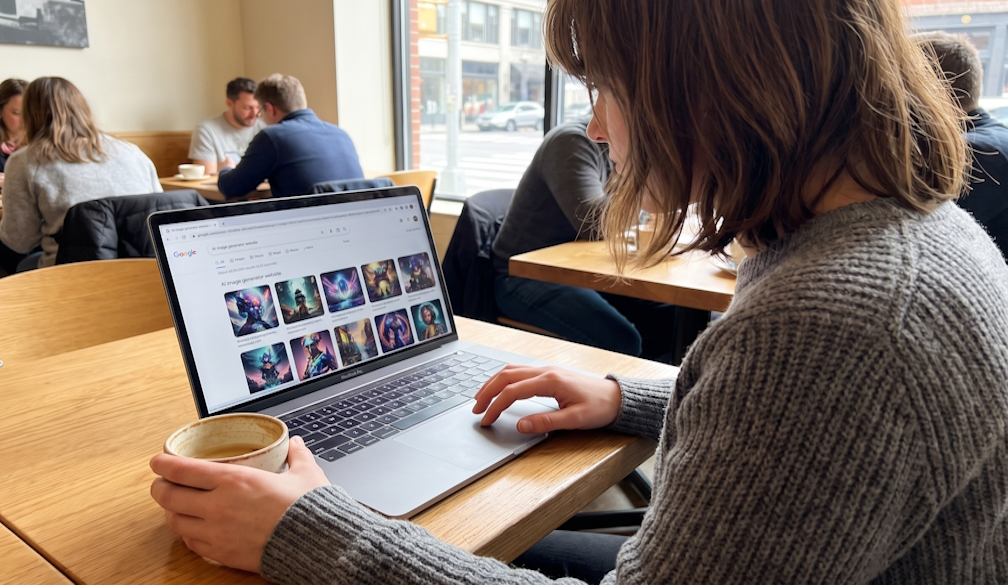
That is where focused browser-based tools are starting to fit into everyday creative work. Rather than treating AI as a separate experiment, creators can use it for specific tasks, review the output, and move on to the next decision.
Start with the image you already have
A surprising amount of visual work starts with material that is already close to usable. The subject is right, but the background is wrong. The composition works, but the mood feels off. An illustration captures the idea, yet needs another pass before it is ready.
In those situations, starting from scratch can be unnecessary. Prompt-based AI photo editing lets creators work from the existing image: upload it, describe the change, and compare the result with the original.
Pixlio's editor supports image-to-image editing as well as text-to-image generation, with multiple models available from the same interface. Different jobs can benefit from different model behavior. One may follow detailed instructions more closely, while another may be better suited to stylistic changes or maintaining visual consistency. Aspect ratio and output format can also be selected before generation.
For many users, the appeal is speed during the early stages of a project. A marketer can test whether a warmer background fits a campaign. A creator can try another visual treatment before committing to manual retouching. A small business owner can explore several directions without rebuilding the image each time.
The output does not always need to be final. Sometimes it only needs to show whether an idea is worth pursuing.
Composition is often where the time goes
Creating separate images is one thing. Making them look as though they belong together is another.
Consider a product photo and a lifestyle background. Traditional compositing may involve masking the product, resizing it, matching perspective, adjusting color, and correcting shadows. Each step is manageable, but together they can turn a quick concept into a much longer job.
A tool designed to combine multiple images can reduce much of that setup. Pixlio offers different merge modes for tasks such as placing a product into a scene, moving a subject into another background, or creating a more artistic blend. Users can add written guidance when the default result needs more direction.
This is particularly useful during concept development. A marketer preparing ad variations, a creator testing thumbnails, or a designer mocking up an idea for a client may need several believable options before deciding which one deserves more careful work.
Generative editing still requires checking. Logos, faces, small text, and precise product details can change unexpectedly. The time saving comes from handling much of the initial composition work, not from removing the need for visual review.
Specialized tools help when the format has rules
General-purpose image generation becomes less convenient when the final asset has a specific job to do. Book covers are a good example.
A cover has several demands at once. It should suggest the right genre, remain recognizable at storefront thumbnail size, and leave enough structure for a title and author name. An impressive piece of artwork can still make a poor cover if the composition falls apart when viewed small.
Pixlio's book cover maker approaches the task from that perspective. Users can start with a genre and synopsis, explore different concepts, preview them at thumbnail size, and refine the strongest direction. The artwork is kept separate from the final text layer, allowing the title and author name to be added afterward with controls for font, color, and backdrop.
That separation solves a familiar problem with generated images. AI models can produce convincing artwork while remaining unreliable with exact lettering. Editable typography means a misspelled title or weak text treatment does not require regenerating the entire image.
For an independent author, this can provide a workable route to a front-cover concept. For a designer or publisher, it can shorten the exploration stage before more time is spent on final production.
A better workflow is mostly about fewer detours
The most useful AI workflow rarely asks one tool to handle an entire project. It uses AI where the time savings are meaningful.
Start with the strongest source material available. Use AI to change a scene, assemble a composite, or explore a cover direction. Then judge the result at the size and in the context where it will actually appear.
That approach is less dramatic than a one-click demonstration, but it reflects how creative work is usually done. The benefit is not simply generating images faster. It is reaching good visual decisions with fewer dead-end edits and spending more time on the parts of the project that actually need human judgment.