

Cast On: Why Knitting Is Quietly Becoming Australia's Favourite Form of Self-Care
- Written by: Times Media
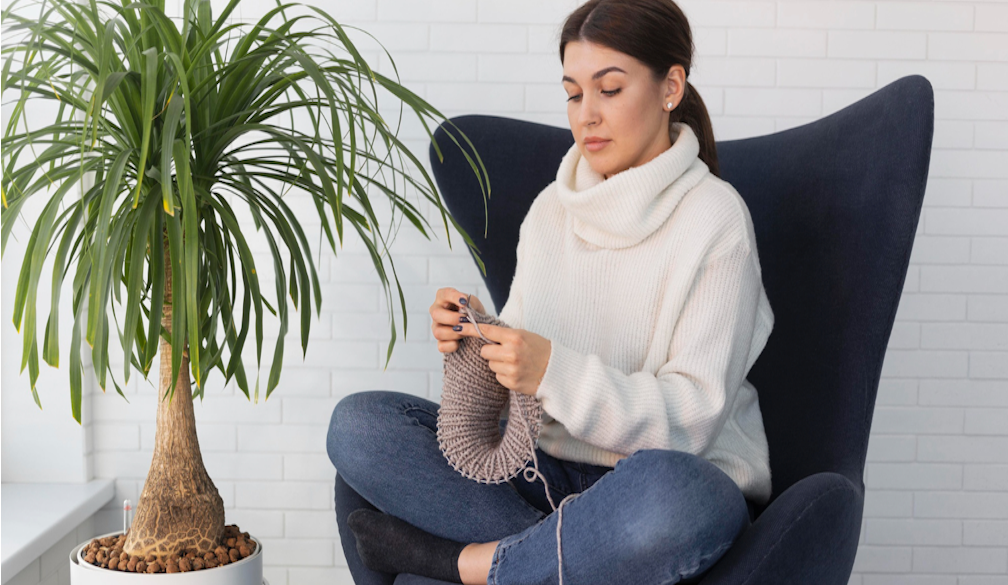
Something interesting is happening at kitchen tables and in lounge rooms across Australia.
People are putting down their phones, picking up a pair of needles, and rediscovering the deeply satisfying rhythm of making something by hand. Knitting, that most classic of home crafts, is in the middle of a genuine cultural revival, and this time it is not your grandmother driving it.
Younger Australians in their twenties and thirties, exhausted by endless scrolling and the relentless pace of digital life, are turning to slow-stitch hobbies with real intention. Not out of nostalgia, but out of need. The repetitive, tactile, deeply present experience of working with yarn and needles is offering something that productivity apps and streaming services simply cannot: genuine rest for a genuinely busy mind.
If you have been curious about knitting but never quite started, or if you once tried and drifted away, this is the moment to cast on again.
Why Your Brain Loves a Knitting Rhythm
Knitting is one of the few activities that genuinely engages both hands, both sides of the brain, and a focused kind of attention that is different from both work concentration and passive relaxation.
The repetitive motion of the knit stitch or purl stitch activates what neurologists describe as a relaxation response: a measurable slowing of heart rate, reduction in muscle tension, and a quieting of the mental chatter that keeps many of us awake at night. It is the same mechanism behind meditation, but it comes bundled with a finished project you can actually wear or give away.
Research from published studies in neuroscience and occupational therapy consistently finds that rhythmic, repetitive handiwork reduces anxiety and elevates mood. One commonly cited study of more than 3,500 knitters found that regular knitting was associated with lower reported rates of depression and cognitive decline, with participants describing the craft as "calming," "therapeutic," and a meaningful source of daily satisfaction.
This is precisely why knitting fits so naturally into the broader health and wellness conversation that Australians are increasingly engaging with. Mindful routines and analogue activities are being recognised as legitimate tools for managing stress and protecting mental wellbeing, and knitting is among the most accessible of them.
From Niche to Now: How Knitting Culture Has Changed
The image of knitting as a solitary, elderly pursuit has been quietly dismantled over the past decade, and in its place something far more interesting has emerged.
Craft communities online have built genuine global followings. Platforms like Ravelry, which host millions of patterns and connect knitters worldwide, have made the craft international and social in a way that would have been unimaginable a generation ago. Instagram and YouTube have produced knitting creators with hundreds of thousands of followers, sharing techniques, pattern reviews, and yarn hauls with the same energy that food or travel content inspires.
In Australia specifically, the slow living movement has given knitting new cultural framing. Slow living, with its emphasis on intentionality, simplicity, and the quality of everyday experience, maps naturally onto a craft that rewards patience and produces something lasting. Knitting a jumper takes weeks. That is the point.
The craft also fits within the broader handmade economy, where consumer appetite for things made by human hands rather than machine processes is growing steadily. A handknitted gift carries a different weight than anything bought and wrapped. The time involved is visible in the object itself.
The Yarn Question: Why It Matters More Than You Think
Beginning knitters often underestimate the difference that yarn choice makes to both the experience of knitting and the satisfaction of the finished result.
Inexpensive acrylic yarn is widely available and genuinely useful for practice projects where you need to rip back and re-start without guilt. But natural fibre yarns, particularly wool, merino, alpaca, and cotton, offer a tactile experience that changes the craft entirely. The way natural fibres move through your fingers, the slight spring of a good wool, the warmth and weight of an alpaca blend: these qualities matter when the physical sensation of the activity is part of its therapeutic value.
The range of knitting yarns now available to Australian crafters reflects the maturity of the local and international market. You can choose everything from fine-weight laceweight yarn for detailed shawls and accessories, through to chunky and super-bulky weights that produce finished projects in an evening. Each weight suits different needles, different patterns, and different purposes, and navigating that choice is part of the pleasure of the craft.
A good starting point is a medium-weight (DK or aran weight) yarn in a solid colour, which shows your stitches clearly and lets you see what you are doing. Avoid very fuzzy or textured yarns as a beginner; they hide your work and make it harder to correct mistakes.
Starting Out Without the Overwhelm
One of the most common reasons people do not start knitting is the assumption that it requires an investment of time and skill before anything satisfying can be produced. That is less true than it used to be, and considerably less true than most beginners expect.
The knit stitch takes most people between fifteen minutes and an hour to learn. It is a single action, repeated: insert, wrap, pull through, slip off. Once that motion becomes natural in your hands, you can make a scarf, a dish cloth, a baby blanket, or a simple hat without any additional technical knowledge. The complexity comes later, and entirely at your own pace.
Starting with a project that is genuinely achievable matters. A wide, rectangular scarf in a single stitch is a perfect first project because it teaches you everything essential, produces something wearable at the end, and gives you long stretches of that meditative repetition that makes knitting therapeutic. There is nothing to count, nothing to shape, nothing to worry about except the rhythm.
What you need to begin is simple. A pair of needles (4mm or 5mm suits most beginners), a ball of smooth medium-weight yarn in a colour you actually like, and a twenty-minute tutorial. That is the full investment.
Knitting as Community
One of the less-discussed pleasures of knitting is how social it can be once you find your people.
Craft stores and community centres across Australian cities run regular knitting circles, stitch-and-chat sessions, and beginner workshops where the point is as much conversation as it is craft production. Turning up to one of these is a reliable way to make a room full of instant friends who will help you fix your dropped stitch without judgement.
Online, the Australian knitting community is active and genuinely welcoming. Facebook groups, Instagram communities, and local Ravelry groups connect knitters by state, by skill level, and by project type. Many Australian crafters share their works in progress, ask questions about yarn substitutions, and celebrate finished objects with the kind of generosity that makes the online craft world feel genuinely different from most corners of the internet.
Knitting-along events, known as KALs, are another community phenomenon worth knowing about. A group of knitters agrees to work on the same pattern at the same time, checking in on progress, sharing problems, and posting photos of their finished pieces. It is a way to have accountability, companionship, and a shared creative experience across time zones and households.
What You Might Make
For anyone who has only thought of knitting in terms of scarves and thick winter jumpers, the contemporary pattern library is revelatory.
Modern knitting patterns cover an extraordinary range: lightweight summer tops in cotton or linen, intricate colourwork hats and mittens, textured cowls and wraps, sock knitting (a dedicated subculture unto itself), baby gifts, market bags, cushion covers, washcloths, and phone cases. The range of what can be made with two needles and a ball of yarn is genuinely surprising to most beginners.
Handmade home décor is a particularly satisfying corner of the knitting world for Australians interested in both craft and interior design. A chunky hand-knitted throw folded over a sofa arm, a set of knitted storage baskets in the nursery, a linen dishcloth hanging in a kitchen: these are objects that carry the warmth of something made with intention, and they look considerably better than their mass-produced equivalents.
Projects Worth Trying in Order
Complete beginner: A rectangular scarf or a simple dishcloth. Two balls of yarn, two needles, one stitch repeated until you reach the length you want.
Building confidence: A ribbed beanie hat using knit and purl stitches. The shaping is simple and the result is immediately satisfying to wear.
Ready for a challenge: A pair of socks using double-pointed needles, or a simple yoke sweater using a modern top-down construction pattern that eliminates complicated finishing.
Making Time for the Craft
The most common barrier to maintaining a knitting practice is not skill but time, or more precisely, the perception that knitting requires a significant block of uninterrupted time to be worthwhile.
It does not. Most knitters make meaningful progress in the fifteen to twenty minutes between dinner and the dishes, on a train commute, during the half-time of a televised match, or while listening to a podcast. Portable projects, particularly socks and smaller accessories, travel extremely well in a project bag that fits in a handbag or backpack.
The key is having your current project set up and accessible rather than put away in a drawer until the ideal moment. The ideal moment tends not to arrive. The ordinary moment, seized with needles already in hand, is when actual knitting happens.
A Craft for Right Now
Knitting is the right hobby for this particular moment in Australian life, and the reasons are not complicated.
Screens are everywhere and the content on them is relentless. Costs are high and discretionary spending is carefully considered. People are tired in a specific way that rest and entertainment do not fully address, because the exhaustion is partly cognitive and partly from the absence of making things with their hands.
Knitting costs little to begin, produces something real, occupies the hands in a way that allows the mind to genuinely rest, and creates a gentle ongoing project that carries you from week to week with something to show for your evenings.
If you have been waiting for the right reason to try it, this is it. Your needles are waiting. The yarn is ready. The pattern exists for whatever you want to make first.
All that is left is to cast on and begin.